
How to run facebook ads like a pro in 2026, get more leads & sales
- July 7, 2026
- Uncategorized
Facebook Ads are one of the best ways to promote a business online. Millions of people use Facebook and Instagram every day, which makes Facebook advertising a powerful tool for reaching customers. Whether you want more website visitors, sales, followers, or leads, Facebook Ads can help grow your business quickly.
If you are a beginner, running Facebook Ads may look difficult at first, but the process is actually simple when you follow the right steps.
1. Create a Facebook Business Account
The first step is creating a Facebook Business account. You can do this through Meta Business Suite. This platform helps you manage your Facebook page, Instagram account, and advertising campaigns in one place.
After creating your account:
- Add your Facebook page
- Connect your Instagram account
- Set up payment details
Once your account is ready, you can start creating ads.
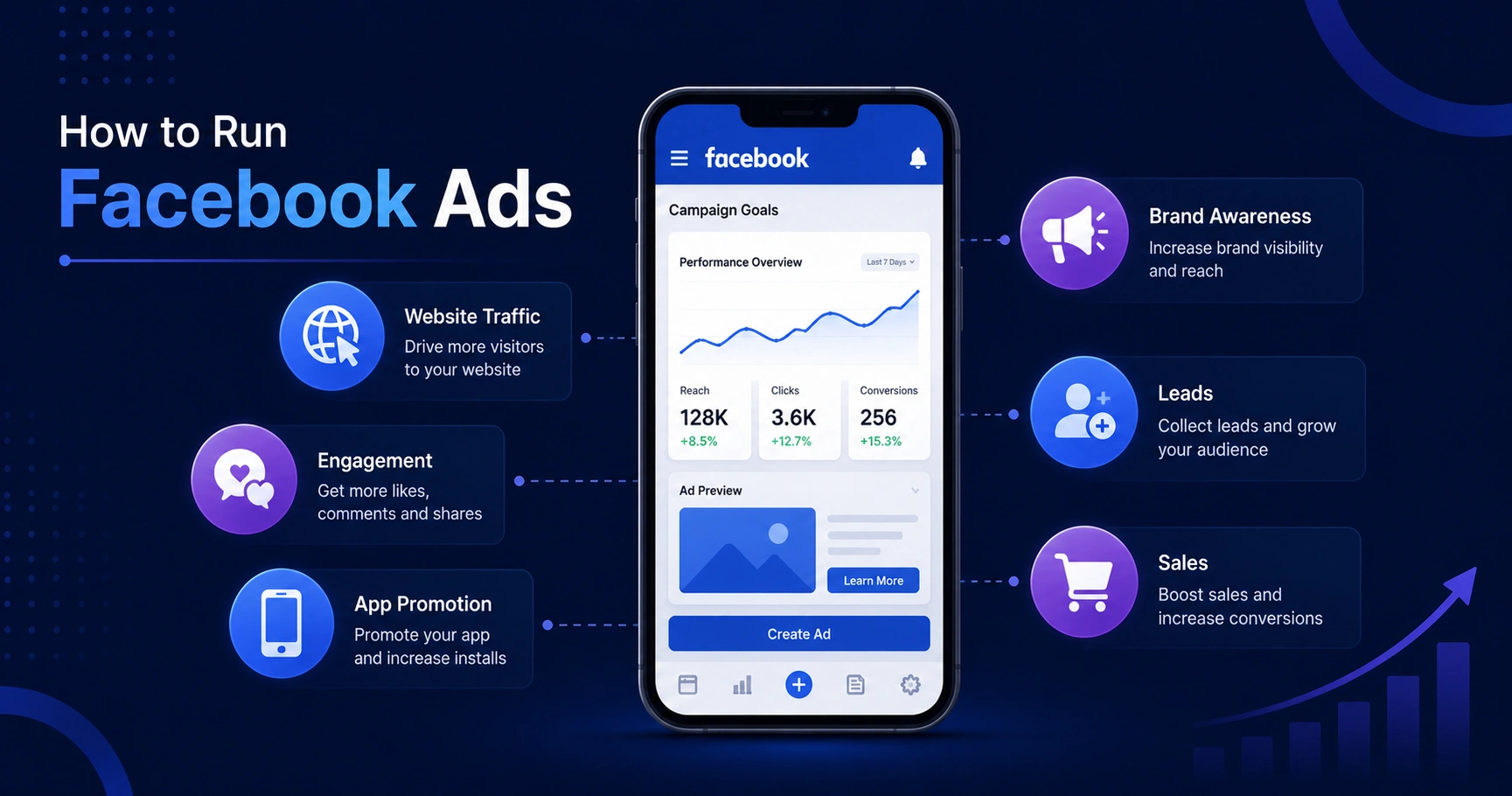
2. Choose Your Campaign Goal
Facebook gives different campaign objectives based on your business goals. Choosing the right objective is very important because Facebook will show your ads to people most likely to take action.
Common campaign goals include:
- Website Traffic
- Brand Awareness
- gagement
- Leads
- App Promotion
- Sales
For example, if you want more visitors to your website, choose the “Traffic” objective. If you want customers to message you, choose the “Engagement” or “Messages” objective.
3. Select Your Target Audience
One of the best features of Facebook Ads is audience targeting. You can show ads to specific people based on:
- Age
- Gender
- Location
- Interests
- Online behavior
For example, if you sell fitness products, you can target people interested in gym, yoga, and health.
Good targeting helps you reach the right audience and improves ad performance.
4. Set Your Budget
Facebook Ads work with both small and large budgets. Beginners can start with a small daily budget and increase it later.
You can choose:
- Daily Budget
- Lifetime Budget
Even ₹200–₹500 per day can give good results if your ad is well optimized.
Always start small, test your ads, and then invest more in the ads that perform well.
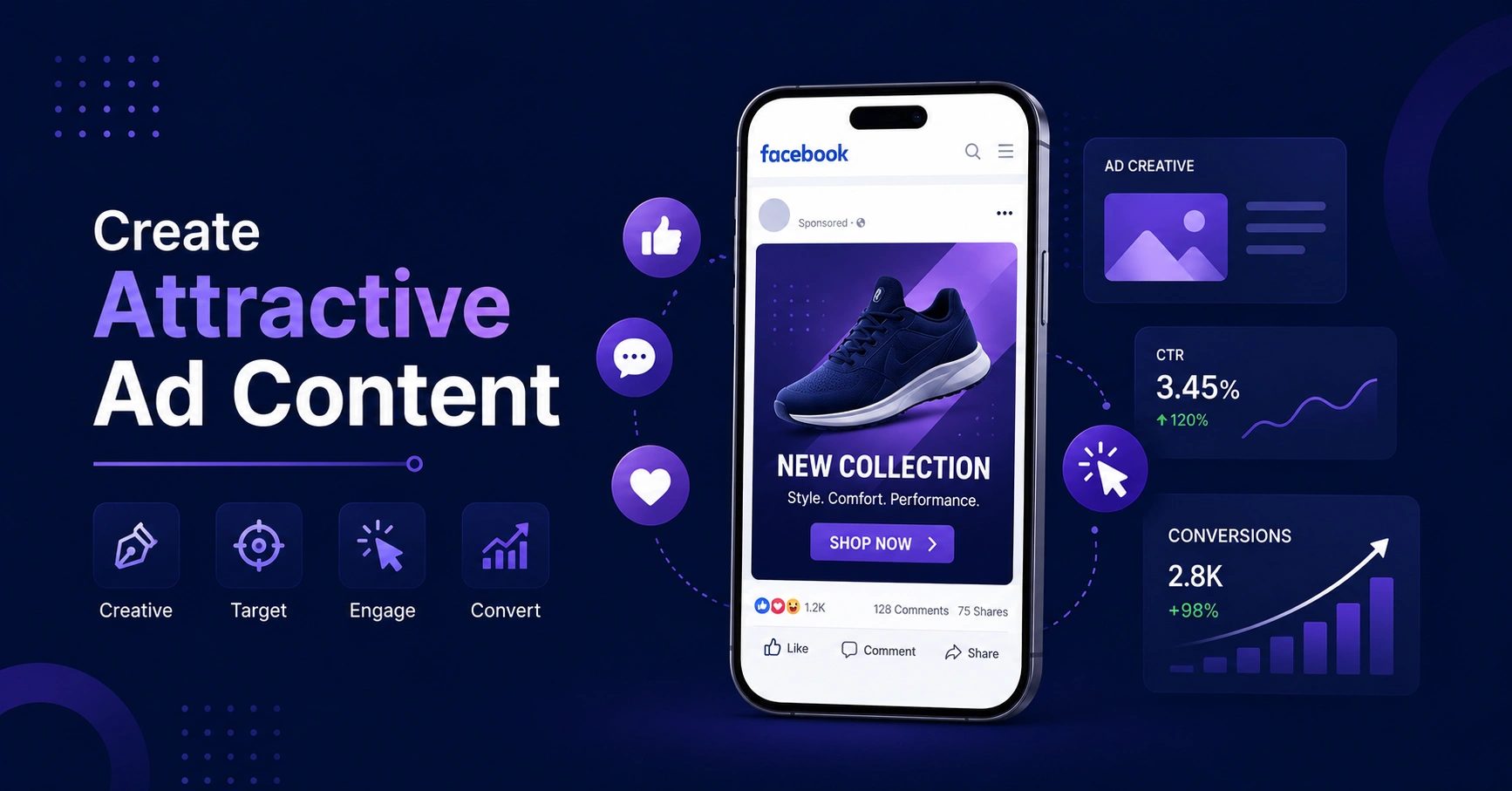
5. Create Attractive Ad Content
Your ad design is very important because people scroll quickly on social media. Your ad should grab attention immediately.
Tips for better ads:
- Use clear images or videos
- Write short and simple text
- Add a strong headline
- Include a call-to-action button
Examples of call-to-action:
- Shop Now
- Learn More
- Sign Up
- Contact Us
Video ads and Reels ads usually perform better because they are more engaging.
6. Use Facebook Pixel
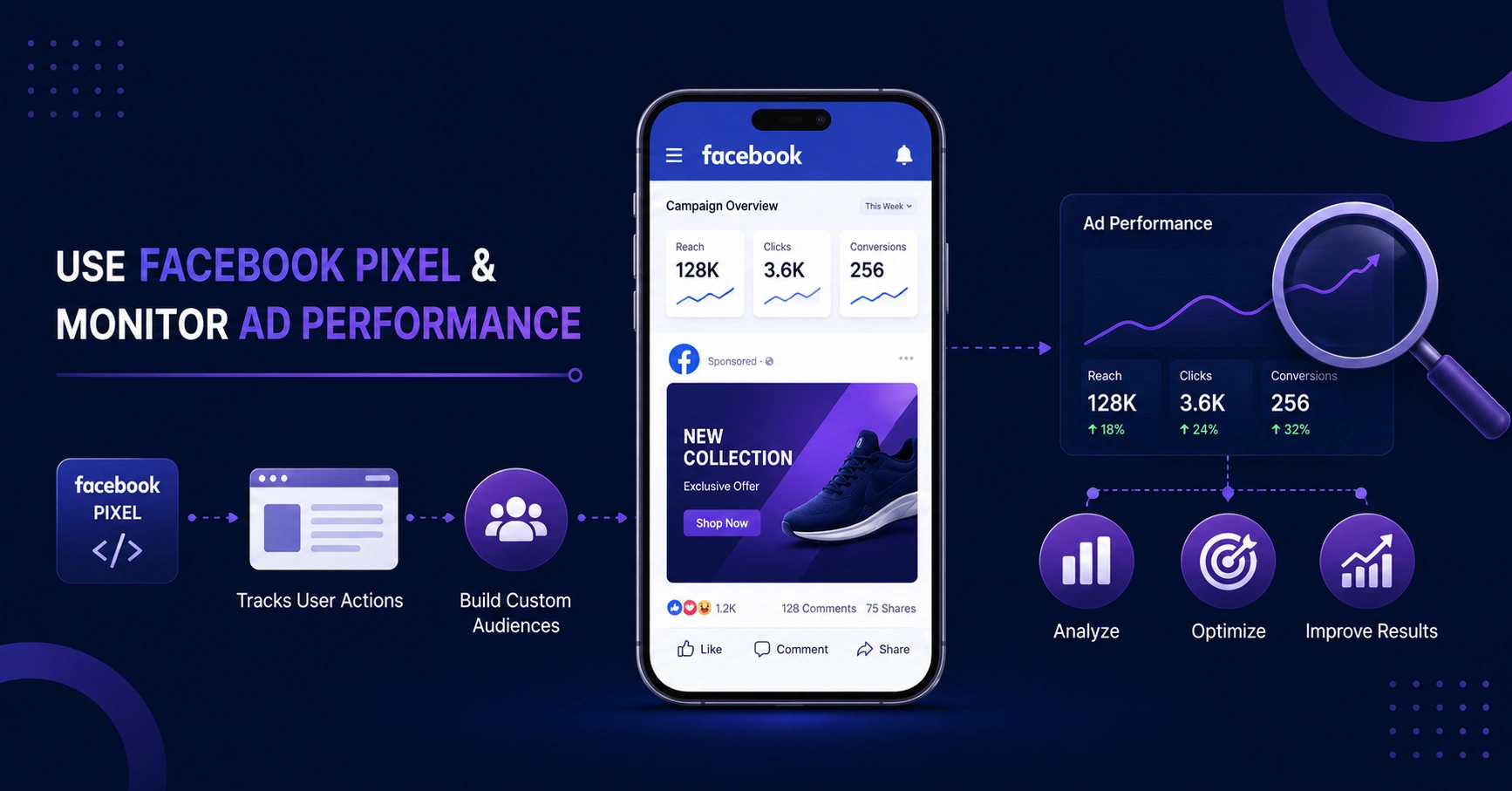
Facebook Pixel is a tracking tool that helps you understand user behavior on your website. It tracks:
- Website visits
- Purchases
- Form submissions
- Add-to-cart actions
This data helps Facebook show your ads to people more likely to become customers.
Pixel is very useful for retargeting ads and improving conversions.
7. Monitor Your Ad Performance
After running your ad, check the results regularly inside Ads Manager.
Important metrics include:
- Reach
- Clicks
- Engagement
- Cost Per Click (CPC)
- Conversions
If an ad is not performing well, try changing:
- Audience
- Ad design
- Caption
- Budget
Testing different ads helps you find what works best.
Conclusion
Facebook Ads are a powerful way to grow a business online. With the right targeting, creative content, and proper strategy, businesses can reach more customers and increase sales.
Start with a small budget, create engaging ads, and keep testing different ideas. With consistency and learning, Facebook advertising can become a successful marketing tool for your business.
About us and this blog
We are a digital marketing company with a focus on helping our customers achieve great results across several key areas.
Request a free quote
We offer professional SEO services that help websites increase their organic search score drastically in order to compete for the highest rankings even when it comes to highly competitive keywords.
Subscribe to our newsletter!
More from our blog
See all posts